Document scanner · by TechFoundry

Scan anything.
Keep it yours.

Glean turns your iPhone into a private document scanner — crisp, searchable PDFs, processed entirely on your device.

100% on‑device 0 servers Free · no account required to scan
On device
Searchable PDF
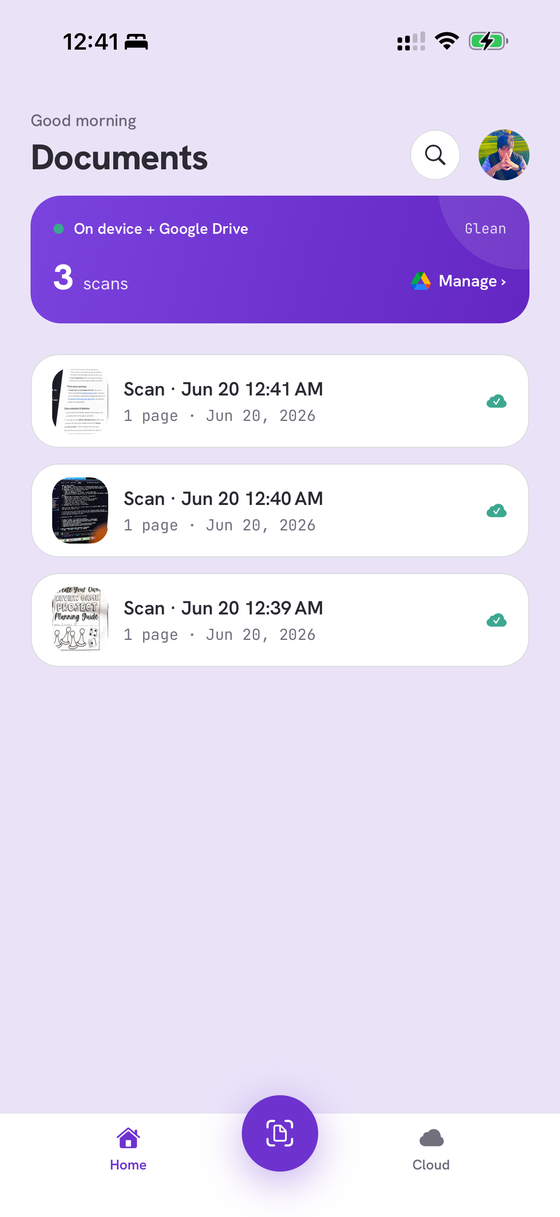
Glean home screen showing a library of scanned documents
What it does

From paper to searchable PDF — without leaving your phone.

Scan & clean up

Automatic edge detection and perspective correction. One‑tap Clean up removes shadows and glare, whitens the page, and sharpens the text.

Searchable PDFs

On‑device text recognition makes every scan searchable — find and copy the text inside, no internet required.

Your storage, your choice

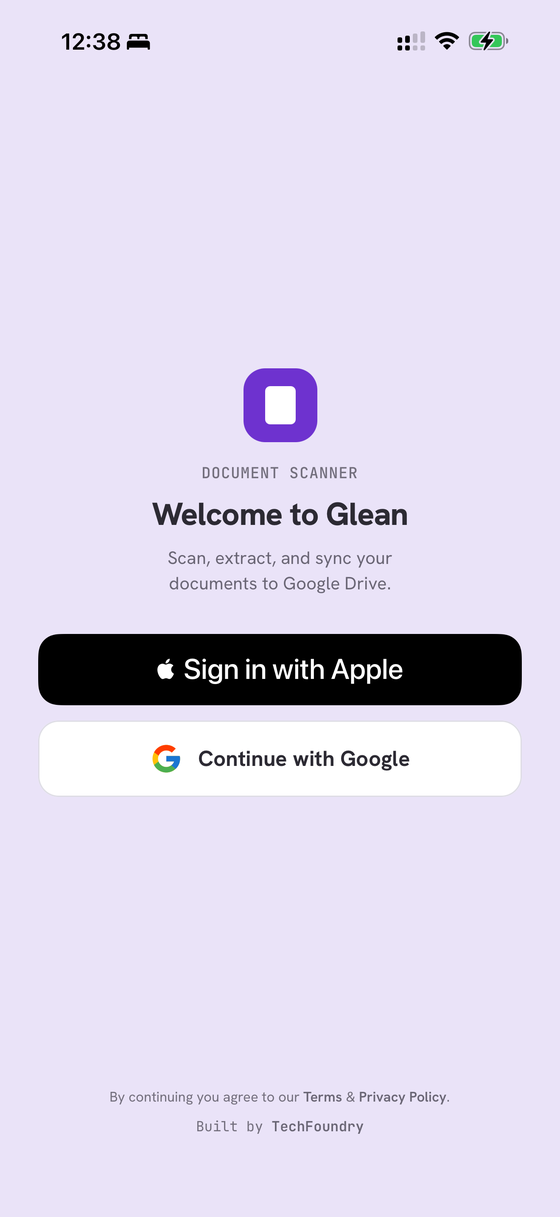
Every scan is saved on your device — even visible in the Files app. Connect Google Drive only if you want a cloud copy, organized into a folder you control. Turn it off anytime.

How it works

Three taps from a stack of paper to a tidy PDF.

Scan

Point your camera. Glean finds the edges, straightens the page, and captures multiple pages in a row.

Recognize

Text is read on‑device and layered into the PDF, so the document is searchable the moment it's made.

Save

Keep it on your iPhone, share it, or send a copy to your Google Drive folder — your call, every time.

Private by design

No servers ever see your documents.

Scanning and text recognition happen entirely on your iPhone. No analytics, no tracking, no backend that touches your files. Sign in with Apple or Google, and delete your account and data anytime.

On‑device OCRNo trackingApple & Google sign‑inDelete anytime
A look inside

Calm, fast, and out of your way.

Get Glean

Your documents, scanned and yours.